
Managing the services of a server is super easy with GTSite. Key server utilities processes, such as the Web Server (Nginx), Redis, SSH, MySQL, MariaDB, and various versions of PHP, are run through services. All of these can be controlled using the GTSite web application. Follow this simple guideline on how to manage your servers with GTsite.
From your GTsite dashboard, go to ‘Servers’. Click on the server you want to configure and manage the server utilities.
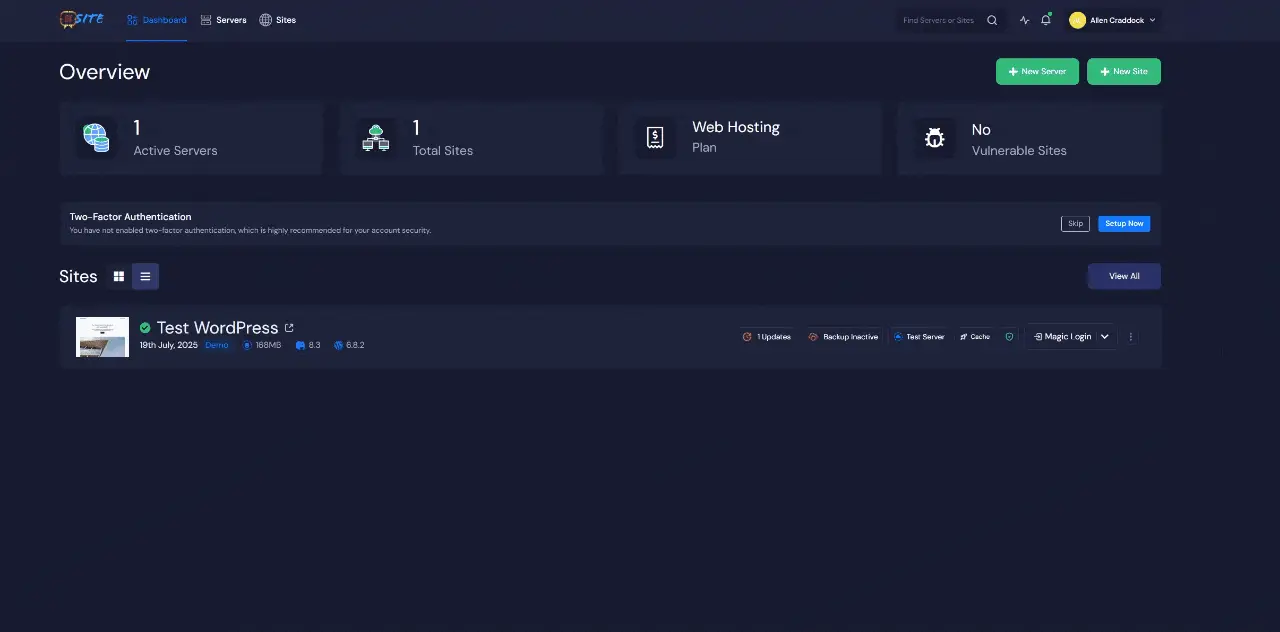
You can configure the service settings now. Go to the ‘Server Management’ tab to manage the services.
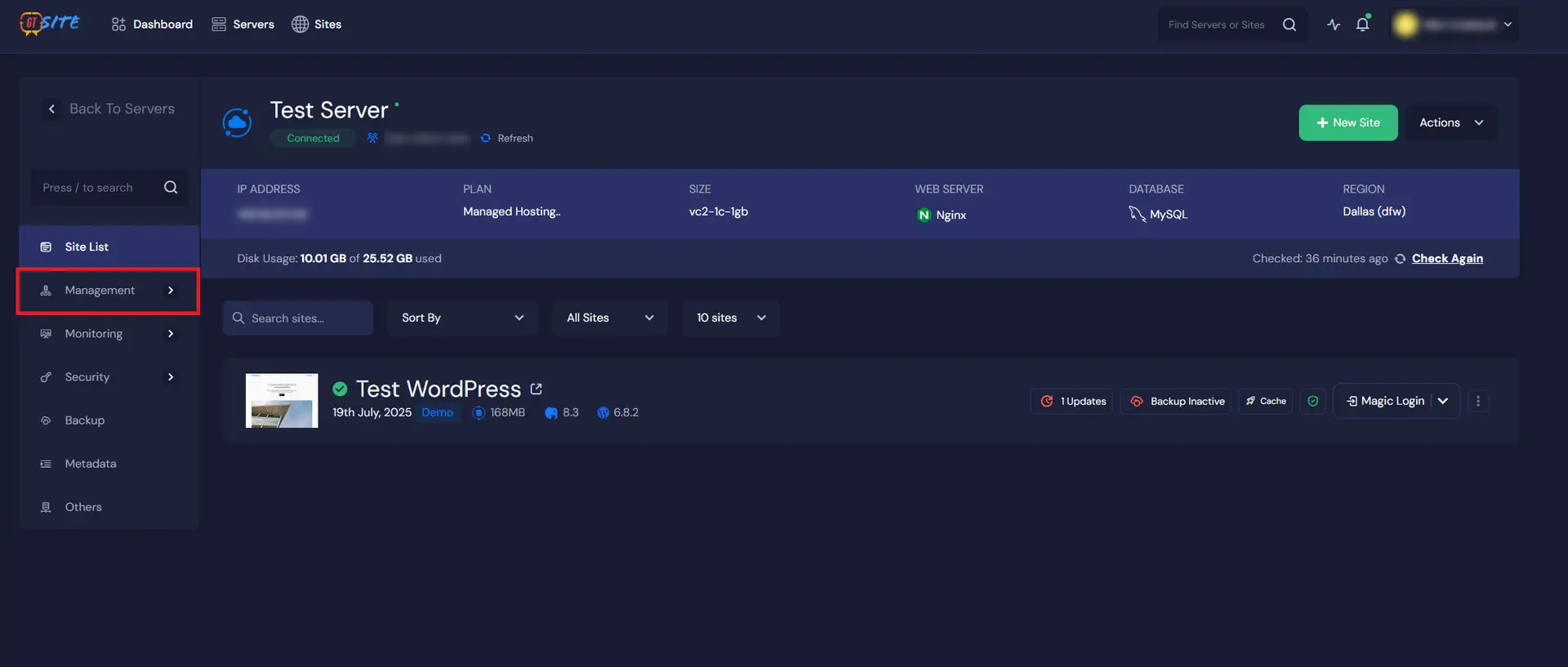
You can manage your Server Utilities like MySQL, MariaDB, NGINX, Redis, PHP, OpenSSH, etc as needed. There are three actions that you can perform.
- Enable: Start a service if it is disabled
- Disable: Stop a service if you want to discontinue it
- Reboot: Restart the service after configurations
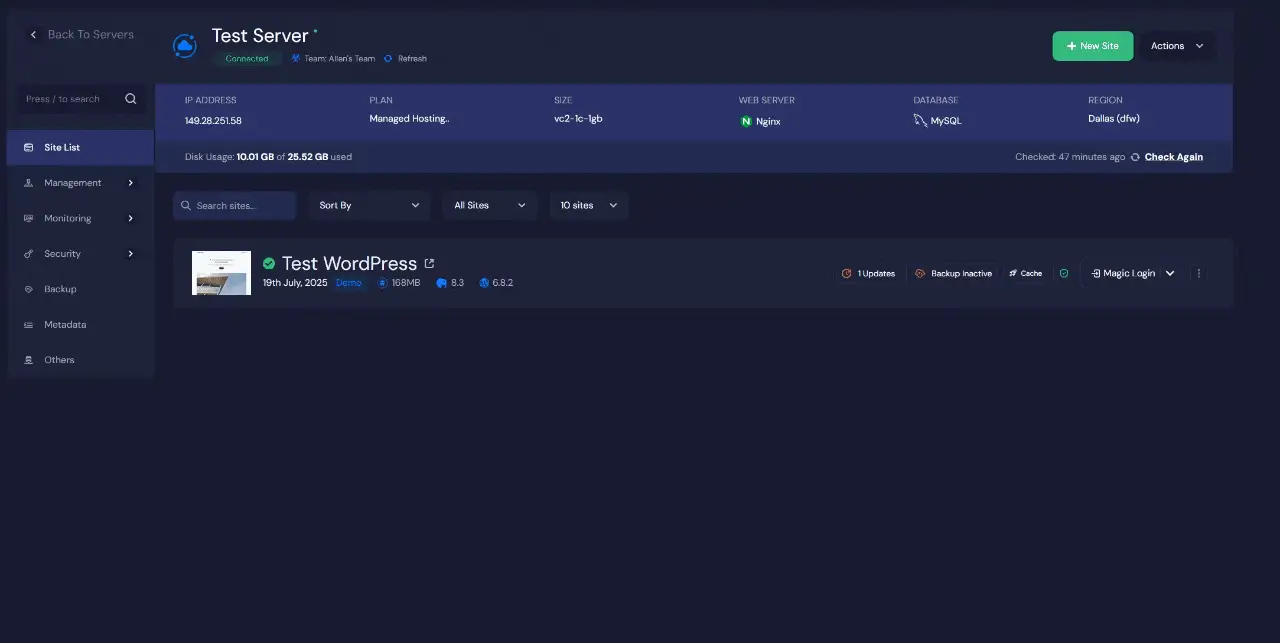
By following the simple steps you can manage the services of a server with GTSite.